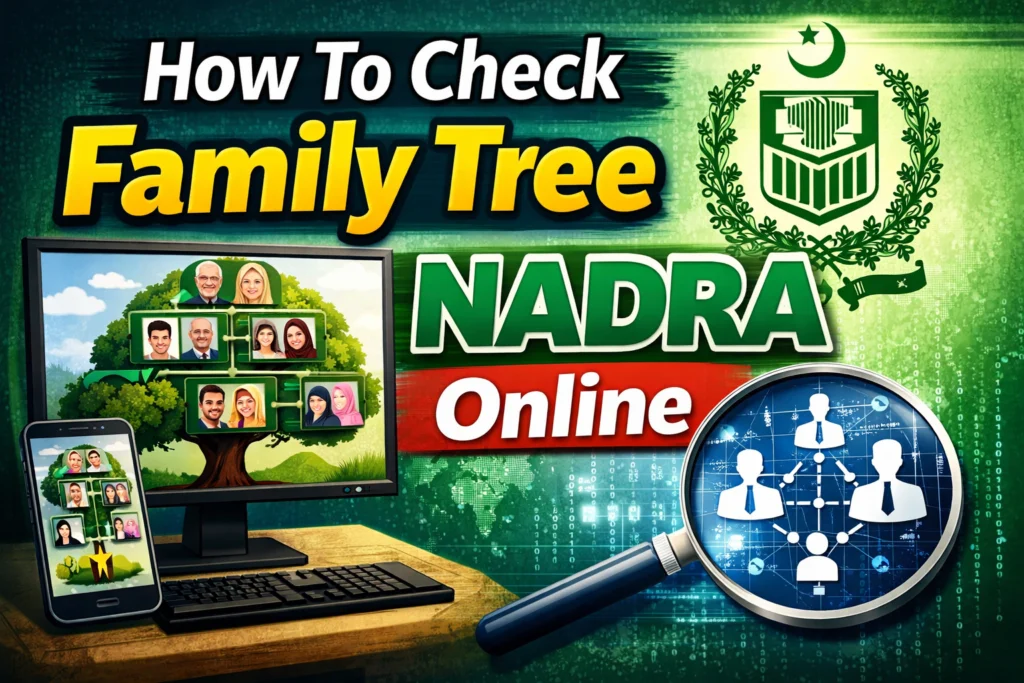
In Pakistan, maintaining accurate family records is more than just a matter of genealogy; it is a legal necessity. Whether you are applying for a visa, settling an inheritance claim, or simply verifying your lineage for official purposes, the Family Registration Certificate (FRC) is the gold standard document you need. Managed by the National Database and Registration Authority (NADRA), this document outlines your family structure and is linked directly to your Computerized National Identity Card (CNIC).
Keeping these records updated is crucial. A single missing name or an incorrect birth date can cause significant delays in legal processes or visa applications. Fortunately, accessing this information has become much easier in recent years. You no longer have to stand in long lines for hours just to verify who is listed in your household.
There are three primary ways to check your family tree: through a mobile app, via SMS, or by visiting a physical center. This guide breaks down each method step-by-step so you can choose the one that fits your needs best.
Method 1: The Pak Identity App (Recommended)
The most convenient way to access your family tree is through NADRA’s official digital platform. The “Pak Identity” app allows citizens to apply for identity documents and verify information from the comfort of their homes. This method is recommended because it provides a downloadable, visual document (PDF) rather than just a text list.
Step 1: Download and Register
First, head to the Google Play Store or the Apple App Store and download the Pak Identity app. Once installed, you will need to register an account. This requires your 13-digit CNIC number, a valid email address, and your registered mobile number.
Step 2: Navigate to Family Services
After successfully logging in, you will see a dashboard with various options. Look for the “Family” section. Within this menu, select “FRC” (Family Registration Certificate). This is the digital equivalent of your family tree.
Step 3: Review Your Data
The app will generate a preview of your family members based on the NADRA database. Take your time to review every name, relationship, and detail listed. The system is designed to flag potential issues; if you see red highlights around specific data points, it indicates that the information needs correction or verification.
Step 4: Submission and Download
If the details look correct, you can proceed to submit your request. There is typically a small processing fee involved, which can be paid online via credit or debit card. Once submitted, NADRA usually processes the request within 24 hours. You will then receive a PDF version of your FRC, which you can print and use for official business.
Method 2: SMS Verification (For Quick Checks)
If you don’t have a smartphone or internet access, or if you simply want a quick text-based confirmation of who is registered under your family tree, the SMS service is the fastest route. This is widely used for quick verification to ensure no unauthorized individuals are registered against your CNIC.
How to Send the Request
Open the messaging app on your mobile phone. Type your 13-digit CNIC number without any dashes or spaces (e.g., 1234567890123). Send this text to the shortcode 8009. It is important to send this message from a mobile number that is registered under your own name and CNIC to ensure the system recognizes the request.
Receiving Your Details
Shortly after sending the text, you will receive a reply from NADRA. This SMS will list the names of the family members currently associated with your CNIC number.
Reporting Errors
This step is critical. If the list you receive is accurate, you don’t need to do anything further. However, if you see a name you do not recognize, or if a family member is missing, you need to report it. You can reply to the SMS as instructed (usually with a specific number code) to flag the error.
Be aware that while the SMS service allows you to flag errors, it does not fix them automatically. NADRA may require you to confirm details via their online portal or visit a center to finalize the correction.
Method 3: Visiting a NADRA Center
For those who prefer face-to-face interaction or require a physical, stamped document immediately, visiting a National Registration Center (NRC) or an e-Khidmat Markaz is the best option.
When you go, ensure you bring your original CNIC. You will be issued a token and asked to wait for a counter. The data entry operator will retrieve your family data and show it to you for verification. If you need a hard copy of the FRC immediately, this is the only method that provides real-time issuance.
You will need to pay the service fee in cash at the counter. If there are errors in your family tree, visiting the center is often the most efficient way to fix them, as you can provide biometric verification and supporting documents (like birth certificates) on the spot to update the record.
FRC and Why Accuracy Matters
The Family Registration Certificate (FRC) serves as the official proof of your family lineage. It outlines the family composition either by birth (listing parents and siblings) or by marriage (listing spouse and children).
You generally need this document for:
- Visa Applications: Embassies often require an FRC to prove relationships when families apply for travel or immigration together.
- Property and Inheritance: It establishes legal heirs in matters of property transfer.
- Power of Attorney: Validating relationships for legal representation.
Why Are Names Missing?
A common frustration people face is finding a family member missing from their tree. This usually happens because the individual is not “linked” to the head of the household in the database.
For a child to appear on your FRC, they must be registered with a Child Registration Certificate (CRC/B-Form) or have a Juvenile Card/CNIC. If a spouse is missing, it is often because their marital status has not been updated to “Married” on their CNIC, or the husband’s name has not been added to the wife’s ID card.
Keep Your Records Updated
Regularly checking your NADRA family tree is a good habit. It ensures that when you inevitably need these documents for an urgent passport renewal or a visa interview, you aren’t blindsided by data errors. Using the Pak Identity app offers the best balance of convenience and detail, but the SMS service remains a powerful tool for quick verification. By keeping your family’s digital identity accurate, you save yourself time and stress in the long run.