Bureaucracy can often feel like a maze, especially when you are trying to close a chapter in your life. Whether you are dealing with the passing of a family member or renouncing your citizenship to settle abroad, canceling a Computerized National Identity Card (CNIC) is a necessary legal procedure in Pakistan. Failing to do so can lead to complications with inheritance distribution, bank account closures, or travel documentation down the line.
Fortunately, the National Database and Registration Authority (NADRA) has modernized its systems significantly. While some procedures still require a physical visit, many steps can now be initiated or tracked digitally.
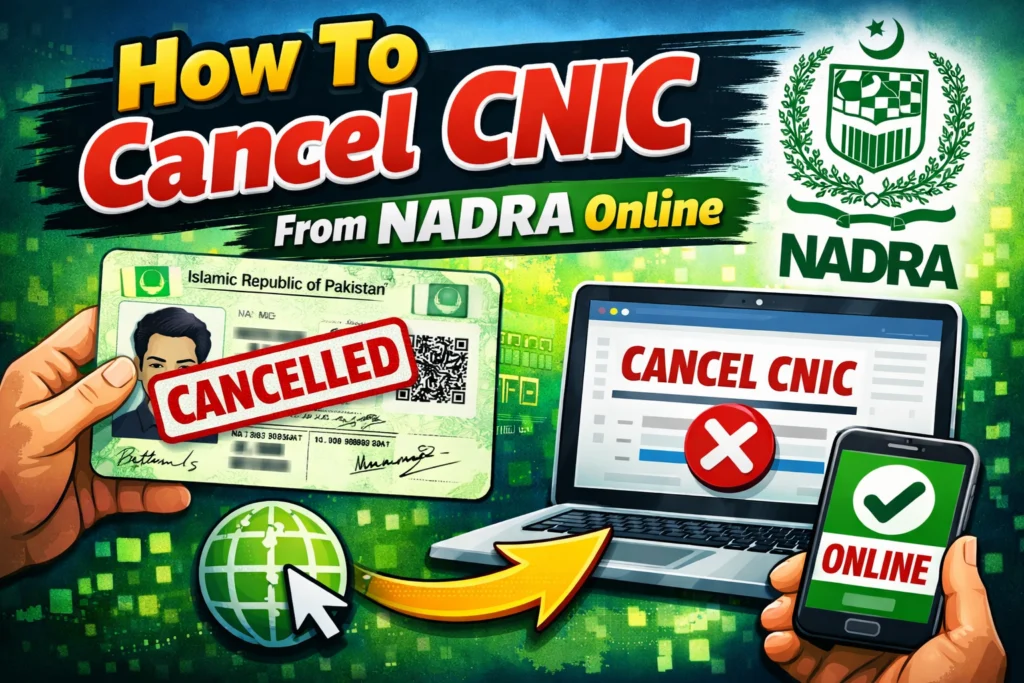
This guide explores exactly how to navigate the Cancellation of CNIC NADRA processes, whether you are looking to do it from the comfort of your home via the Pak Identity app or planning a visit to a local center.
Understanding the Categories of Cancellation
Before starting the process, it is important to understand that not all cancellations are the same. The documentation and fees differ depending on why you are cancelling the ID. Generally, there are two main reasons citizens request a cancellation:
- Due to Death: When a registered citizen passes away, their ID must be marked as “Deceased” in the national database.
- Surrender of Nationality: When a citizen acquires nationality of a country that does not have a dual-citizenship agreement with Pakistan, they must renounce their Pakistani citizenship and cancel their CNIC/NICOP.
Cancellation of CNIC Due to Death
Dealing with the loss of a loved one is difficult, and administrative tasks are often the last thing on a grieving family’s mind. However, formally registering the death with NADRA is crucial for legal succession. Without the Cancellation Certificate NADRA provides, heirs cannot legally inherit property or unfreeze the deceased’s bank assets.
Is Online Cancellation Possible for Death Cases?
Many people search for NADRA CNIC cancellation due to death online. Currently, the most reliable method for death registration is visiting a NADRA Registration Center (NRC), as it requires biometric verification of a blood relative. However, overseas Pakistanis may utilize the Pak Identity online services for specific civil registration documents depending on their region.
For those in Pakistan, here is the standard procedure:
The In-Person Process
To process a NADRA CNIC cancellation due to death, a close relative (parent, spouse, son, or daughter) must visit any NADRA Registration Center. The applicant must be a holder of a valid CNIC.
Required Documents:
- The original CNIC of the deceased (or the CNIC number if the card is lost).
- This is the most critical document. A digital Death Certificate issued by the Union Council.
- The original CNIC of the applicant (the blood relative).
Fees and Charges
The Government of Pakistan aims to make this process accessible for bereaved families. Therefore, the cancellation of a CNIC due to death is processed free of charge.
Surrendering Nationality (Renunciation)
If you are moving to a country that requires you to give up your previous nationality, you must formally surrender your Pakistani ID. This is a different process than death registration and involves specific legal steps.
The Procedure
You can initiate this process through the NADRA registration centers or, in some cases, via the Pak Identity platform for overseas services.
Required Documents:
- Original Pakistani Passport.
- Valid Foreign Passport.
- Foreign National ID Card or Citizenship Certificate.
- The Pakistani CNIC or NICOP that needs to be cancelled.
Biometric Verification:
During this process, you will be asked to complete biometric verification to confirm your identity. Once the application is submitted and approved, the card is legally cancelled, and you may be issued a certificate confirming the renunciation of citizenship.
Using the Pak Identity Mobile App
For those looking to handle NADRA services remotely, the Pak Identity Mobile App is a powerful tool. It allows citizens to capture biometrics, upload documents, and make payments online.
While specific cancellation policies evolve, the app is the primary portal for managing your identity online.
- Download and Register: Install the Pak Identity app and create an account.
- Choose Category: Navigate to the section relevant to your needs (often found under Civil Registration or ID Cancellation).
- Upload Documents: Scan and upload the required proofs (such as the renunciation letter or foreign passport).
- Biometrics: Use the phone’s camera to capture fingerprints as instructed by the app.
- Payment: Pay the processing fee online.
NADRA CNIC Cancellation Fee and Payments
While death registration is free, other services come with costs. The NADRA CNIC cancellation fee for renouncing nationality depends on your location (within Pakistan or abroad) and the chosen service type (Executive or Normal).
NADRA has made payments easier by integrating various digital platforms. You do not always need to queue at a bank. You can pay via:
- e-Sahulat franchises.
- JazzCash and EasyPaisa mobile wallets.
- Credit or Debit Cards (Visa/Mastercard) directly through the Pak Identity website.
Checking B-Form and Family Status
When a CNIC is cancelled, especially due to death, it alters the family tree structure. This is often reflected in the “B-Form” (Child Registration Certificate) or the Family Registration Certificate (FRC).
Many citizens need to verify these changes. You might be looking for a B-Form NADRA check online by CNIC. Here is how to handle that:
- SMS Service: You can send your CNIC number to 8009 to check your family tree status. This will list the family members registered under your record.
- NADRA B-Form check online: While you cannot download the actual B-Form simply by typing a number into a public website for privacy reasons, you can apply for an FRC (Family Registration Certificate) via the Pak Identity website. The FRC will show the updated status of the family, indicating if a member is marked as “Deceased.”
Frequently Asked Questions
Is there a fee for cancelling a CNIC after death?
No. The Cancellation of CNIC after death is a free service provided by NADRA to assist the family of the deceased.
Can I get a Cancellation Certificate online?
The Cancellation Certificate NADRA issues is typically a physical document. However, if you apply for ID cancellation or renunciation through the Pak Identity online system, you may receive digital confirmation. For death certificates, you must first go to the Union Council, not NADRA.
What happens if I don’t cancel a deceased person’s CNIC?
Failing to cancel the ID is illegal and causes administrative deadlock. You will not be able to transfer property titles, claim insurance, or distribute inheritance. Furthermore, the deceased person’s name will remain active on voter lists and family trees, which can cause fraud risks.
Summary
Canceling a CNIC is a responsible and necessary legal step. Whether you are searching for NADRA CNIC cancellation due to death online or handing over your citizenship, the key is having the right documents specifically the Union Council death certificate or valid foreign passports. By utilizing the Pak Identity app for specific services and visiting NRCs for biometric verification, you can ensure your records are updated accurately and efficiently.