For citizens of Pakistan, the Computerized National Identity Card (CNIC) is more than just a piece of plastic. It is the primary document required for everything from opening a bank account and buying a SIM card to traveling and voting. Keeping your details up to date is essential, but for years, this meant standing in long queues at a NADRA center.
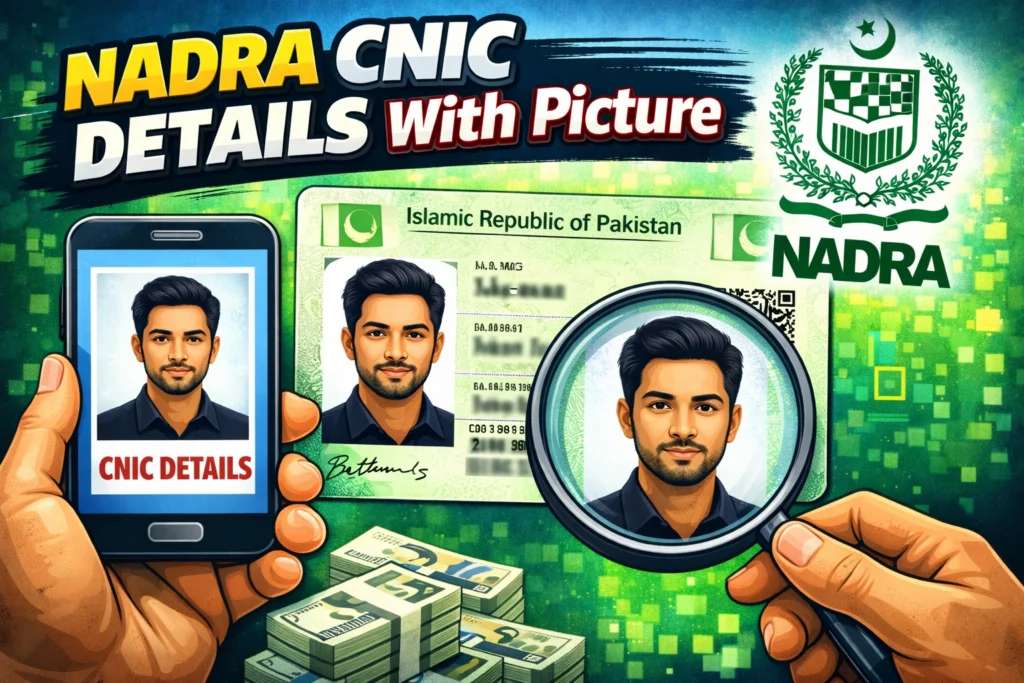
Fortunately, the National Database and Registration Authority (NADRA) has undergone a massive digital transformation. You no longer need to waste hours waiting for a token just to verify your information or update a photograph. With the launch of the Pak Identity system, accessing your Nadra CNIC details with picture has become significantly easier.
Whether you need to verify your current status, update an old photo, or apply for a Smart NIC, you can now handle most of the process from the comfort of your home. This guide explores how to navigate the online portals, use the mobile app, and ensure your ID card details are accurate.
The Shift to Digital ID Verification
Gone are the days when manual forms and physical visits were the only options. NADRA has introduced robust online platforms designed to facilitate citizens both in Pakistan and abroad.
The primary goal of these systems is to provide a secure way to access Nadra CNIC details with picture online. However, it is important to distinguish between legitimate official channels and third-party scams. Because identity theft is a global concern, NADRA protects citizen data heavily. This means you generally cannot view the full details and photograph of another person for free. However, you have full access to view, verify, and update your own information through the proper portals.
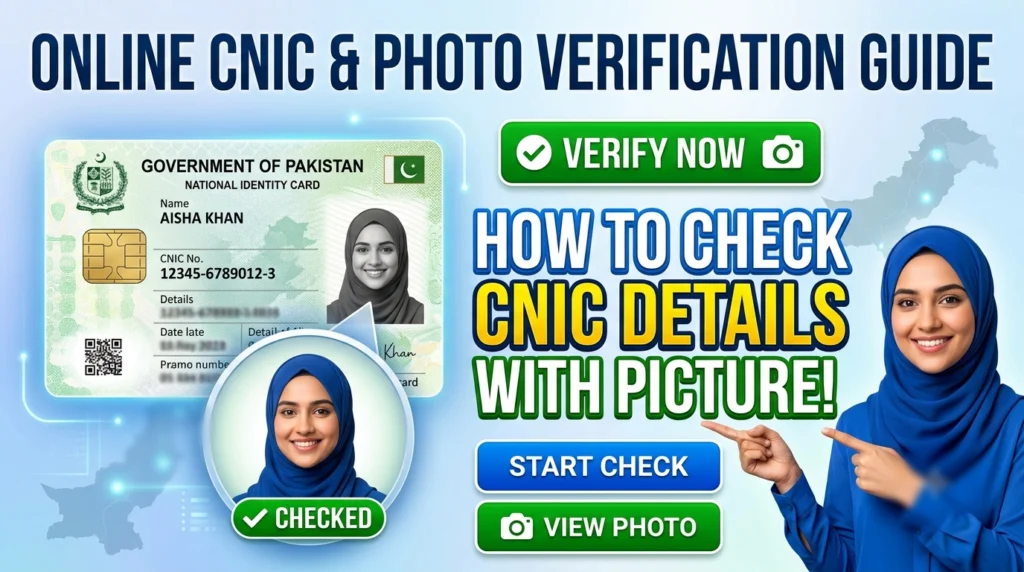
How to Check CNIC Details with Picture Online
The most reliable method to view and manage your ID information is the Pak Identity Website. This is the official portal provided by the government.
Using the Pak Identity Portal
To access your Nadra CNIC details with picture online, follow these steps:
- Visit the Official Website: Go to the NADRA Pak Identity website.
- Create an Account: If you are a new user, you will need to register using your email address and mobile number.
- Login: Enter your credentials to access the dashboard.
- Select Your Service: To see your current photo and details, you typically need to initiate a process, such as “New CNIC,” “Modification,” or “Renewal.”
- Review Data: During the application process, the system pulls your existing record. This allows you to verify your name, address, and current photograph on file.
This system is particularly useful if you are moving from a simple CNIC to a chip-based Smart NIC and want to ensure your new card reflects your current appearance.
Accessing Details via the NADRA App
For those who prefer using a smartphone, the Nadra cnic details with picture app is a game-changer. Known as the Pak Identity App, it is available for download on both Android and iOS devices.
The app brings the functionality of the web portal to your fingertips. It is specifically designed to handle biometric verification, which was previously the biggest hurdle for online applications.
Key Features of the App:
- Biometric Verification: You can scan your fingerprints using your phone’s camera, eliminating the need to visit a center or use inkpads.
- Document Upload: Scan and upload necessary documents directly from your gallery.
- Photo Capture: The app allows you to capture a compliant photograph for your ID card application.
By using the app, you streamline the process of renewing your ID. Once you log in and start an application, you can view the details associated with your account to ensure accuracy before the new card is printed.
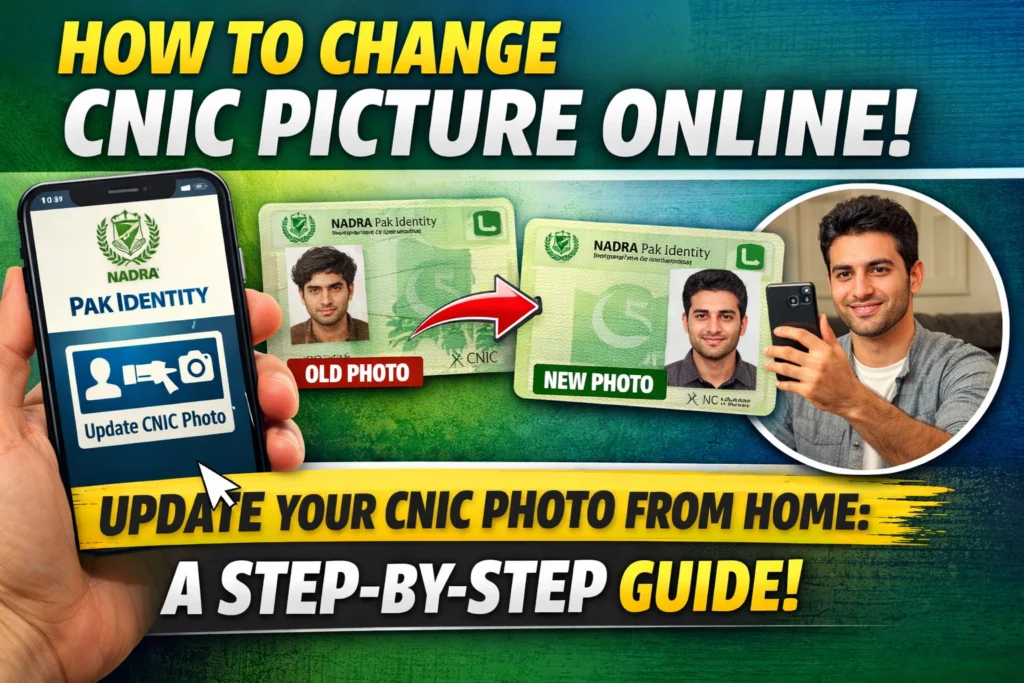
How to Update Your Picture Online
One of the most common reasons people search for Nadra CNIC details with picture is that they dislike the photo on their current ID. Perhaps the photo is from a decade ago, or the quality is poor.
You can update your NADRA ID card picture online through the Pak Identity website or mobile app. However, NADRA has strict guidelines for the photo you upload. The system uses facial recognition technology to verify your identity against your biometrics, so the photo must be clear.
Guidelines for a Compliant Photo:
- Background: The background must be plain white. Avoid colored or patterned walls.
- Expression: Maintain a neutral expression. Do not smile, frown, or show teeth.
- Lighting: Ensure the face is evenly lit with no shadows on the face or background.
- Accessories: Do not wear glasses, hats, or head coverings that obscure facial features (religious head coverings are permitted provided the full face is visible).
- Positioning: Look straight into the camera. Your head should be centered.
- Recency: The photo must be recent, usually taken within the last 6 months.
If you are using the mobile app, it will guide you through capturing the photo properly. If you are uploading a file via the website, ensure it meets the size and format requirements (usually under 5MB and in JPEG/PNG format).
Can You Check ID Card Details with Photo for Free?
A common search query is Nadra cnic details with picture online free. It is vital to manage expectations here.
NADRA is a government authority that charges fees for processing ID cards. While creating an account on the Pak Identity website or downloading the app is free, accessing the full database to simply look up random people is not possible due to privacy laws.
If you are renewing your card or modifying details, there is a processing fee. However, there are low-cost ways to perform basic verification:
Check ID Card by CNIC Number (SMS Service)
If you need to verify the authenticity of a CNIC or check its status, you can use the SMS service.
- Verify Verification: Send the CNIC number (without dashes) to 7000. There is a small fee for this SMS.
- Voting Details: Send the CNIC number to 8300 to check registered voting details.
Note that while these SMS services provide text-based details (like the name associated with the number), they do not transmit the picture. For the picture, you must use the web portal or app as part of an application process.
Warning: Avoid “Free Download” Scams
You may encounter third-party websites offering Nadra cnic details with picture download services. These sites often claim to provide a full dossier on any citizen for free or for a small fee.
Avoid these platforms.
These are unofficial and often illegal sites. They may be phishing for your personal data or selling leaked data, which is a crime. Relying on unauthorized sources puts your identity at risk. Always stick to the official id.nadra.gov.pk domain or the official Pak Identity app found on the Google Play Store or Apple App Store.
Why Keeping Your Details Updated Matters
Ensuring your Nadra CNIC details with picture are current is about more than just having a good photo.
- Banking: Banks require an active, up-to-date CNIC for all accounts. An expired card or mismatched photo can freeze your assets.
- Travel: Your passport issuance depends on your CNIC. Discrepancies between your appearance and your ID photo can cause delays at immigration.
- Property and Vehicles: Buying or selling assets requires biometric verification that matches your ID record.
Summary of the Online Process
To summarize, if you want to check ID card details with photo or update them, the process is:
- Download the Pak Identity App or visit the Pak Identity Website.
- Register and login.
- Select “Modification” (to change photo/address) or “Renewal” (if expired).
- Upload a new picture following the white background/neutral expression guidelines.
- Pay the fee online via credit/debit card.
- Complete biometric verification via the app.
- Wait for the new card to be delivered to your doorstep.
Final Thoughts
The digitalization of Pakistan’s ID system has removed much of the friction from the registration process. By utilizing the official online portals and apps, you can manage your Nadra CNIC details with picture securely and efficiently. Whether you need to fix a spelling error, update a decade-old photograph, or simply renew your card, the tools are now available on your smartphone and laptop. Always remember to prioritize security and avoid unofficial “free data” websites to keep your identity safe.