Moving to a new house is chaotic enough without the added stress of paperwork. But keeping your identity documents up to date is crucial for everything from banking to voting. If you’ve recently moved and need to update the address on your Computerized National Identity Card (CNIC), you might be dreading a long wait at a government office. Fortunately, you can now skip the lines entirely.
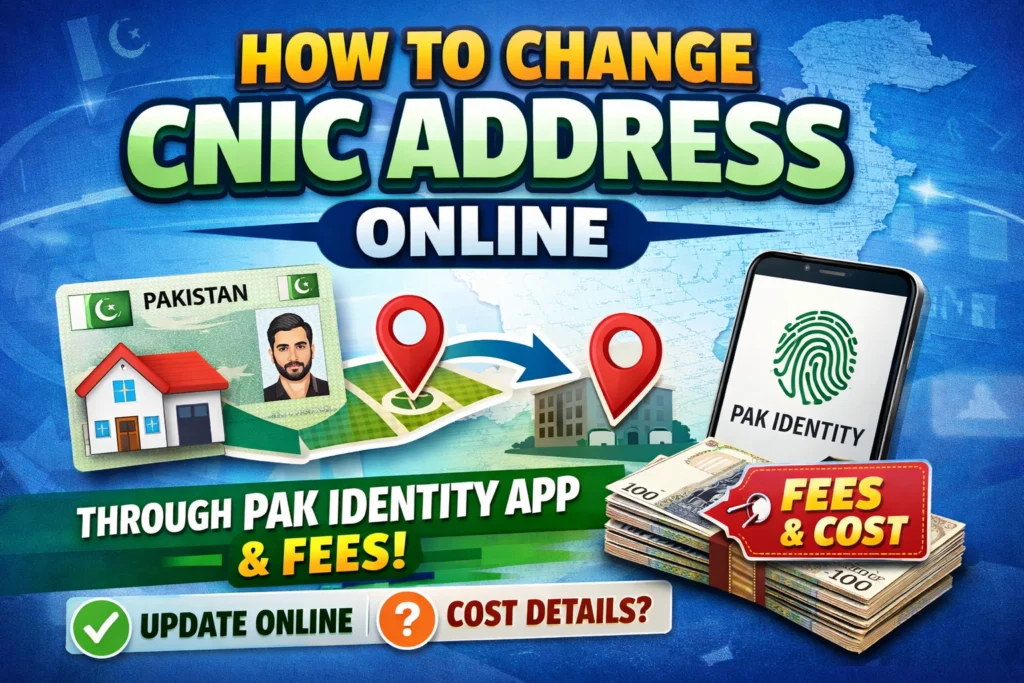
The National Database and Registration Authority (NADRA) has digitized many of its services, making it easier than ever for Pakistani citizens to manage their identity documents from home. With the Pak Identity portal and the mobile app, changing your address is a straightforward process that you can complete on your smartphone or computer. This guide will walk you through exactly how to do it, what documents you need, and the fees involved.
Whether you need to update your present or permanent address, the online system saves you valuable time and effort. Instead of taking time off work to visit a NADRA center, you can submit your application whenever it suits you. Let’s break down the steps so you can get your new card delivered right to your doorstep.
Documents Accepted as Proof of Residence
Before you log in to start your application, you need to gather the right paperwork. NADRA requires valid proof of residence to process an address change. You can’t simply type in a new location; you must back it up with official documentation.
The document must be in your name, or in the name of your spouse or parents. If the document is in a family member’s name, you may need to provide additional proof of relationship. Here is a list of documents generally accepted as valid proof:
- Utility Bills: A recent electricity, gas, or water bill is the most common form of proof. Ensure the bill clearly shows the address and the name of the resident.
- Domicile Certificate: This official document certifying your permanent residence in a district is a strong form of proof.
- Property Documents: If you own your home, the registry or ownership deed serves as valid evidence.
- Housing Society Allotment Letter: For those living in regulated housing societies, an official allotment letter is accepted.
- Verified Tenancy Agreement: If you are renting, a rent agreement that has been properly verified and stamped can be used to update your address.
Step-by-Step Guide: How to Apply Online
Once you have your documents scanned and ready (or photographed clearly on your phone), you can begin the application process. The Pak Identity system is designed to be user-friendly, but following these steps carefully will ensure your application isn’t rejected.
1. Login or Register
First, access the NADRA platform. You can visit the official Pak-Identity website or download the PakID app from the Google Play Store or Apple App Store. If this is your first time using the online service, you will need to register for an account using your email address and mobile number. If you have an account, Just log in.
2. Select Modification
Once logged in to the dashboard, look for the option labeled “ID Documents”, then click “ID Card”. This category covers changes to existing data, such as your name, address, or marital status. and select “Modification.”
3. Enter Your Details
The system will ask you to enter your details as they currently appear on your card. When prompted for the modification details, select “Address Change.” Carefully fill in your new address exactly as it appears on your proof of residence documents. Double-check for spelling errors or missing sector/block numbers.
4. Upload Documents
This is a critical step. You will be asked to upload the scanned copies or photos of your proof of residence. Make sure the images are clear, legible, and not cropped in a way that hides important information like the date or the name.
5. Biometrics
The PakID app has a significant advantage here. It allows you to capture your fingerprints directly using your smartphone’s camera. Follow the instructions on the screen to scan your fingerprints or face.If you are using the web portal and cannot use the app for biometrics, you may be prompted to download a form, capture your fingerprints in ink, scan it, and upload it back to the portal. However, the app is generally the smoother option for this step.
6. Pay the Fee
Finally, you will need to pay the processing fee. NADRA offers different processing speeds: Normal, Urgent, and Executive. The fees vary depending on how quickly you need your new card and whether you are applying from within Pakistan or abroad. You can pay online with a credit or debit card Jazzcash & Easypaisa.
7. Submit and Track
Double-check your application for accuracy before submitting it.. Once satisfied, hit submit. You will receive a tracking ID. Keep this number safe, as you can use it to monitor the status of your application through the app or website.
Key Details to Remember
While the process is simple, keeping a few key points in mind can prevent delays.
Proof of Residence Requirements
Remember that the supporting document is non-negotiable. If the utility bill or property document is in your spouse’s or parent’s name, ensure your relationship is already established in the NADRA database (for example, your father’s name is on your CNIC, or your husband’s name is on your CNIC). If the relationship isn’t clear, the application might be sent back for clarification.
The PakID App Advantage
Using the PakID mobile app is often faster than the web portal, primarily because of the biometric feature. The ability to scan fingerprints with your phone camera eliminates the messy process of using ink pads and scanners. It streamlines the verification process significantly.
Scope of Changes
This online modification process applies to updating both present and permanent addresses on Smart CNICs (the chip-based ID cards). While most address changes can be handled online, there may be specific complex cases where a visit to a center is required. However, for the vast majority of citizens moving homes or correcting an error, the online route is the most efficient choice.
Manage Your Identity from Home
Digitization has transformed how we handle bureaucratic tasks in Pakistan. By using the Pak Identity app, you take control of your personal data without the hassle of long queues and travel time. Ensuring your CNIC address is accurate is a legal requirement and a practical necessity for daily life, so take advantage of these digital tools to keep your records updated.
If you are ready to start, download the app or visit the website today. Gather your utility bills or property documents, ensure your payment card is ready, and you can have your application submitted in under twenty minutes.