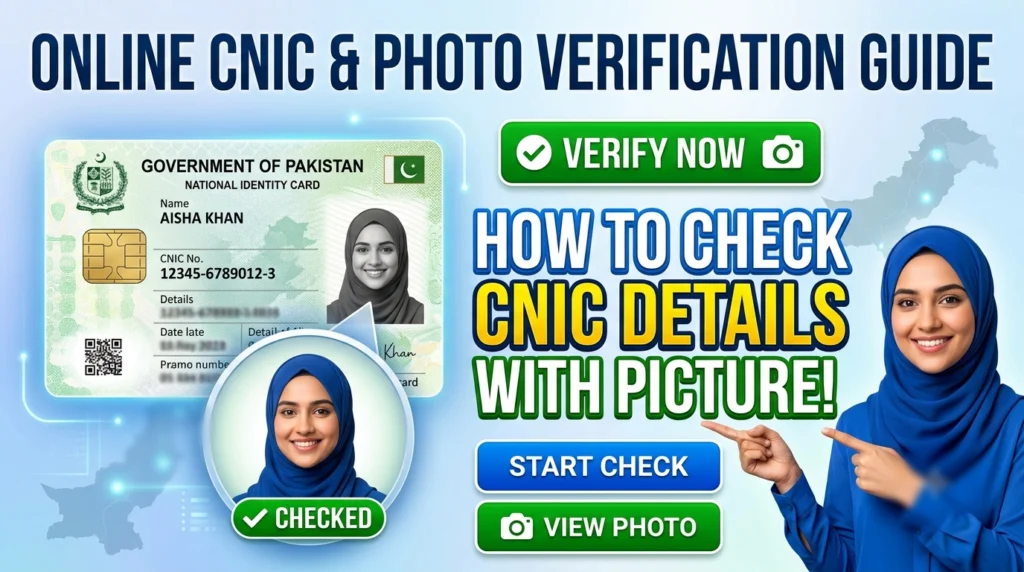
You cannot legally check another person’s CNIC details or photo online. Any app or website claiming to do so is illegal and likely a scam. . To view your own CNIC picture and information, use the official PakID app, NADRA’s SMS service (7000), or visit a NADRA Registration Center in person.
Many people search for ways to check CNIC details with a picture online whether to verify their own identity or look up someone else’s information. The demand is understandable. But before you download a third-party app or hand over your number to some website promising instant results, there are a few things you need to know.
Most of these tools are not just ineffective they are illegal and potentially dangerous. Second, Pakistan’s National Database and Registration Authority (NADRA) does offer legitimate, secure ways to access your own CNIC information. Knowing which path to take can save you from fraud, data theft, and legal trouble.
This guide breaks down exactly how to check your own CNIC details with a picture through official channels, what each method can and cannot show you, and why third-party services claiming to reveal someone else’s photo by CNIC number should never be trusted.
Can You Really Check CNIC Details With a Picture Online?
The short answer is no not for someone else’s details, and not through any unofficial channel.
NADRA maintains a centralized database of every registered Pakistani citizen’s biometric and personal data. This information is protected under Pakistani law. No legitimate platform, app, or website has legal access to this database for public use. Any service claiming to show you another person’s photograph, registered address, or family details by entering their CNIC number is either fabricating data or operating illegally.
The risks of using such services are serious. These platforms often harvest your own CNIC number and personal data the moment you enter it. Some are outright phishing scams designed to steal financial or identity information. Others charge fees for “premium” results that are either fake or sourced from breached data.
Bottom line: if a website or app offers to show you someone else’s CNIC photo for free (or for a fee), leave immediately.
How to Check Your Own CNIC Details With a Picture: Official Methods
You have three legitimate options for accessing your own CNIC details in Pakistan. Each varies in what information it can display and how you access it.
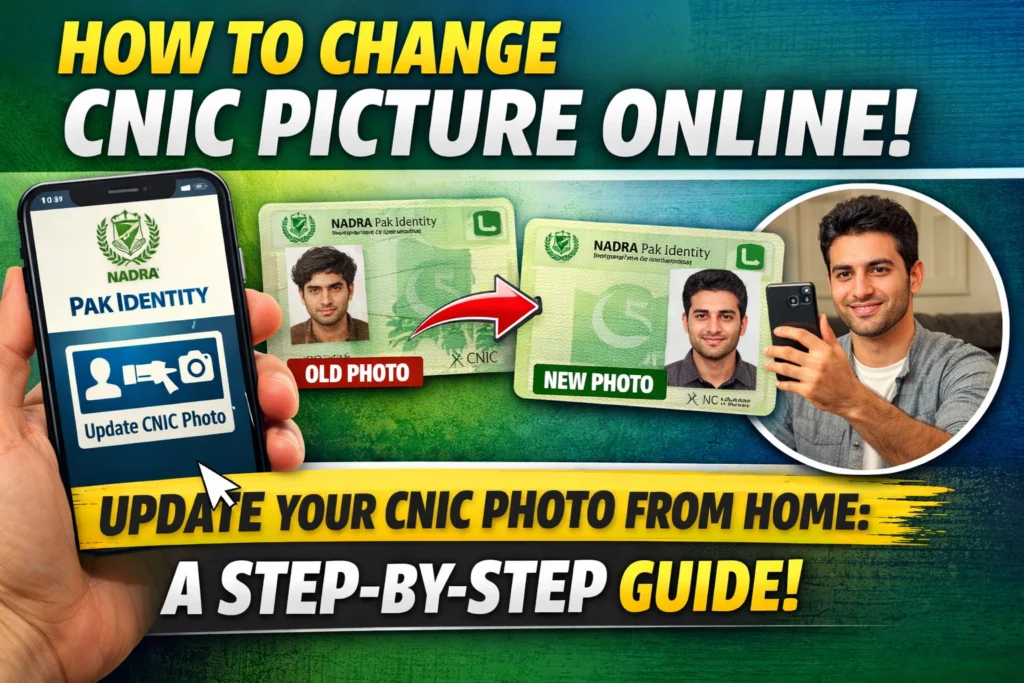
How to Use the PakID App to View Your CNIC Picture
The PakID app (also referred to as the Pak Identity Portal) is the only official digital channel through which you can view your own CNIC photograph. Here is how it works:
- Download the Pak Id app from the Google Play Store or Apple App Store. Search for “PakID” or “Pak Identity Portal.”
- Register or log in using your CNIC number and credentials.
- Complete biometric verification, which includes a live selfie scan to confirm your identity.
- Access your digital CNIC in the app’s vault, where your registered photo and personal details are stored securely.
This is the only method that allows you to see your own CNIC picture digitally. The biometric verification step ensures that only you can access your own data—no one else can log in and view your information.
How to Check CNIC Details by Number Using NADRA’s SMS Service
NADRA offers a basic SMS-based verification service for quick name checks. Here is how to use it:
- Send your CNIC number (without dashes) as a text message to 7000.
- The service costs Rs. 10 + applicable tax per query.
- You will receive your registered name and father’s name in return.
It is important to note that this service does not return a photograph. It is designed for basic identity confirmation only—useful if you need to quickly verify the name registered against a CNIC number, but not for viewing ID card details in full.
How to Verify CNIC Details in Person at a NADRA Registration Center
For full, official verification including printed documentation visiting a NADRA Registration Center remains the most comprehensive option. Here is what you can request:
- Identity verification printouts confirming your personal details as registered in NADRA’s system.
- Family Registration Certificate (FRC), which documents your family unit’s registered information.
To visit a NADRA center, bring your original physical CNIC. Staff can assist with identity confirmation, corrections, or the issuance of official certificates. This is particularly useful for legal, banking, or government-related processes that require certified documentation.
Why Third-Party Apps and Websites Claiming to Show CNIC Pictures Are Illegal
A straightforward legal reality governs this issue: NADRA’s biometric and personal data is classified under Pakistan’s data protection and privacy laws. Unauthorized access, distribution, or display of this data is a punishable offense.
Third-party services that claim to offer “CNIC photo lookup” or “ID card detail check online” for free or for a fee are not pulling from NADRA’s database with permission. They are either:
- Fabricating results using publicly available or stolen data to appear legitimate.
- Running phishing operations that collect your CNIC number and personal information for fraudulent use.
- Operating from jurisdictions where Pakistani law has limited reach, making enforcement difficult.
Entering your CNIC number into any such platform puts your identity at risk. The data you submit can be used for identity fraud, SIM swapping, or financial scams.
What Information Can You Access Through Official NADRA Channels?
To set clear expectations, here is a summary of what each official method provides:
| Method | Photo | Registered Name | Father’s Name | Full ID Details |
|---|---|---|---|---|
| PakID App | ✅ Yes | ✅ Yes | ✅ Yes | ✅ Yes |
| SMS to 7000 | ❌ No | ✅ Yes | ✅ Yes | ❌ No |
| NADRA Center (in person) | ✅ Yes (printed) | ✅ Yes | ✅ Yes | ✅ Yes |
No official method allows you to check another person’s CNIC picture or personal details. All legitimate access is restricted to your own verified identity.
The Bottom Line: Use Official Channels Only
Checking your CNIC details with a picture is straightforward when you use the right tools. The PakID app gives you secure, instant access to your own digital ID and photo from your phone. NADRA’s SMS service provides a quick name check for Rs. 10. And for certified documentation, a visit to your nearest NADRA Registration Center covers everything else.
What none of these methods allow by design and by law is access to another person’s CNIC photograph or private data. Any platform suggesting otherwise is not a shortcut. It is a risk.
Protect your identity by sticking to NADRA’s official channels. If you suspect a website or app is misusing CNIC data, report it to NADRA directly through their official website or helpline.
Frequently Asked Questions
Can I check someone else’s CNIC details with their picture online?
No. It is illegal to access another person’s CNIC photo or private details through any online platform. Only NADRA has lawful access to this data, and it is not made available to the public. Any website or app claiming to offer this service is operating illegally and may be a scam.
Which app can I use to see my own CNIC picture?
The PakID app (Pak Identity Portal) is the only official app through which you can view your own CNIC photograph. It requires biometric verification including a live selfie scan to confirm your identity before granting access.
How do I check my CNIC details by number using the NADRA SMS service?
Send your CNIC number without dashes to 7000. The service costs Rs. 10 plus tax and returns your registered name and father’s name. It does not include a photograph.
Is the NADRA SMS service to 7000 free?
No. The service charges Rs. 10 per query, plus applicable tax. This fee is deducted from your mobile balance.
What should I do if a website asks for my CNIC number to show ID card details?
Do not enter your CNIC number into any unofficial website or app. These platforms are either scams or phishing tools designed to steal your personal information. Use only NADRA’s official services: the PakID app, the 7000 SMS service, or a NADRA Registration Center.
Can I get a printed copy of my CNIC details for legal purposes?
Yes. Visit your nearest NADRA Registration Center with your original CNIC. Staff can provide official verification printouts or a Family Registration Certificate (FRC), which are accepted for legal, banking, and government-related processes.