Navigating official documentation can often feel like solving a complex puzzle. Whether you are planning a visa application, settling legal matters, or simply organizing your personal records, having the right paperwork is crucial. In Pakistan, one of the most vital documents for proving family lineage and composition is the Family Registration Certificate, commonly known as the FRC.
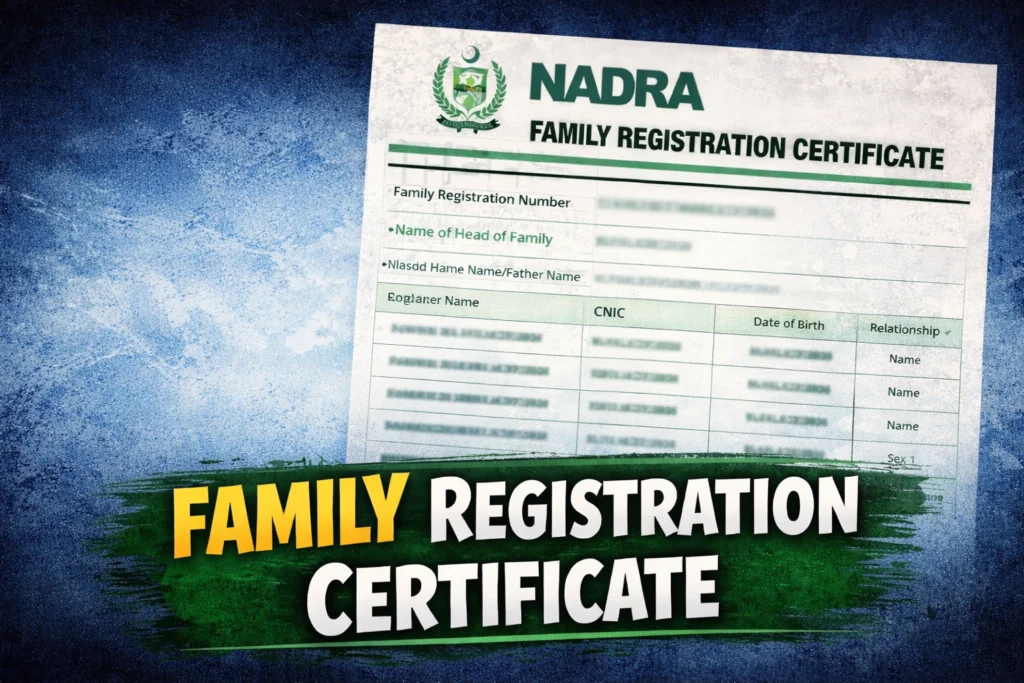
Issued by the National Database and Registration Authority (NADRA), the FRC provides a verified record of your family’s data. It is a snapshot of your family tree as it stands in the government’s records on the date of issuance. Unlike a birth certificate which focuses on a single individual, the FRC is a collective document that links family members together through their official 13-digit identification numbers.
This guide breaks down everything you need to know about the FRC from understanding the different categories to a step-by-step walkthrough of how to apply online or in person.
What is a Family Registration Certificate?
The Family Registration Certificate is an official document that reflects the composition of your family. It serves as legal proof of your relationships with parents, siblings, spouses, and children. NADRA issues this certificate under specific rules established in 2002, ensuring it serves as a valid legal document for various administrative and legal purposes.
It is important to note that while the FRC confirms family composition, it is primarily used for record-keeping and verification purposes, such as visa applications for foreign travel or legal inheritance matters.
Categories of FRC
Depending on your specific needs, you can apply for an FRC under four distinct categories. Understanding these distinctions ensures you receive the document that correctly reflects the relationships you need to prove.
- By Birth: This certificate includes details of your parents and siblings. It is commonly used when you need to prove your relationship with your biological family unit.
- By Marriage: This version includes details of your spouse and children. It is essential for married individuals who need to verify their immediate family unit.
- By Adoption: This category lists details of a guardian and their adopted family members.
- By All: This is a comprehensive option that includes details of both “alpha” and “beta” family members, covering a wider range of relations if necessary.
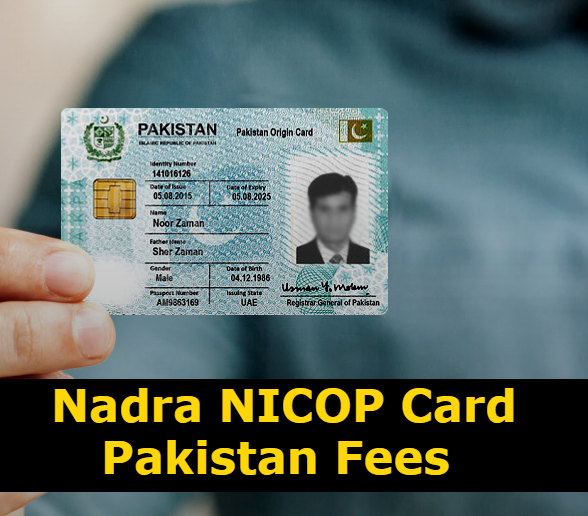
To be eligible for any of these certificates, all family members listed must be registered with NADRA and possess a valid 13-digit identification number (such as a CRC, CNIC, NICOP, or POC). However, the system does allow for the inclusion of unregistered individuals in specific scenarios, based on information provided by the applicant.
How to Apply for an FRC
NADRA offers two primary methods for obtaining your certificate: visiting a registration center physically or applying digitally through their mobile app.
Method 1: Visiting a NADRA Registration Center (NRC)
If you prefer dealing with officials in person or need to update biometric data for minors, visiting an NRC is the traditional route. Here is what the process looks like:
- Token Issuance: Upon arrival, you will receive a token to wait for your turn.
- Biometric Verification: Your fingerprints and data will be verified against the existing database.
- Photography: If you have children under 18 whose Child Registration Certificates (CRC) were issued without photographs, they must be present so their photos can be taken.
- Data Review: The officer will download your family data. You will review this information to ensure accuracy.
- Fee Submission: You will pay the required fee. Currently, the fee is Rs. 1000 for the “By Birth,” “By Marriage,” and “By Adoption” categories. The “By All” category costs Rs. 2000.
- Issuance: Once processed, the FRC is printed and handed over to you immediately in real-time.
Method 2: Online via Pak Identity Mobile App
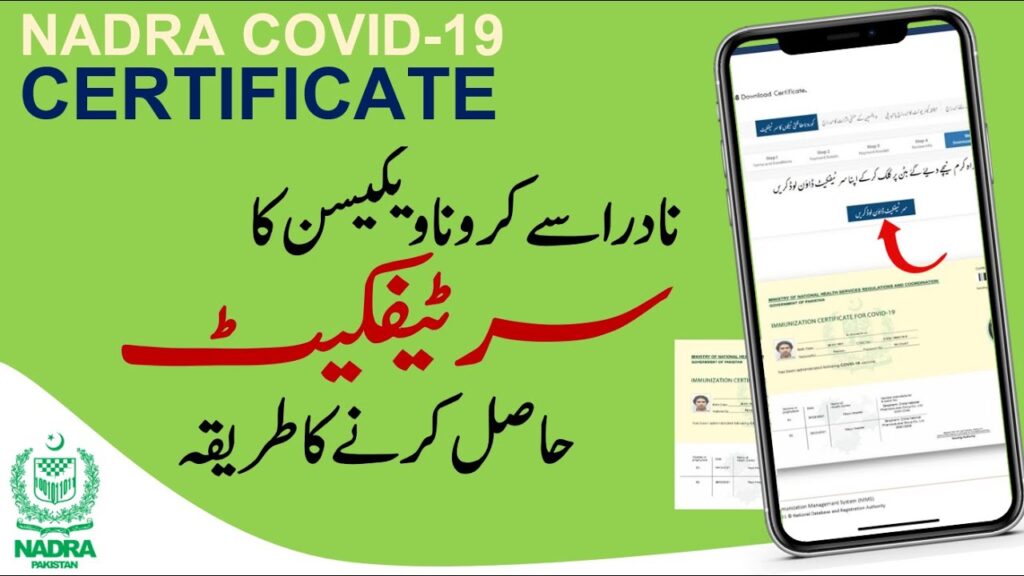
For those who want to avoid queues, NADRA has introduced a digital option through the Pak Identity Mobile App. This allows citizens to apply from the comfort of their homes.
Step-by-Step Mobile Application Guide:
- Download and Login: Install the “Pak Identity” app. Sign in or create an account.
- Navigate to Family Services: On the home page, select the “Family” tab and then choose “FRC”.
- Review Details: Your family members’ details will appear on the screen. Pay attention to any records highlighted in red, as these require data correction before you can proceed.
- Select Category: Choose the type of FRC you need (By Birth, By Marriage, By Adoption, or By All).
- Submission: Check your application for accuracy before submitting.
- Payment: Pay the processing fee online.
- Download: After the processing period (usually within 24 hours), a PDF version of your FRC will be available in the “ID Vault” section of the app for download and printing.
Important Requirements and Considerations
Before applying, there are several technicalities you should be aware of to avoid delays or rejection of your application.
The 13-Digit ID Requirement
The most fundamental requirement is the 13-digit ID number for the applicant. This can be from a CNIC (Computerized National Identity Card), NICOP (National Identity Card for Overseas Pakistanis), POC (Pakistan Origin Card), or a CRC (Child Registration Certificate/B-Form).
Updating Family Records
An FRC is a reflection of current records. If your family data is incomplete or outdated in the NADRA database, those members will not appear on the certificate. You must update these records separately before applying for the FRC to ensure everyone is included.
Deceased Family Members
If a family member has passed away, their CNIC must be officially canceled by providing a Death Certificate (issued by the Union Council, Municipal Corporation, or Cantonment Board). This cancellation must happen before you process the FRC application.
Name Corrections
While applying for an FRC, you are generally not allowed to change names. The only exception is the correction of English spelling mistakes during the processing phase. Any major name changes require a different modification procedure.
Physical Presence for Minors
If you are applying at a center and have children under the age of 18 who hold a CRC issued without a photograph, they must physically accompany you to the center for the application.
Ensuring a Smooth Process
Obtaining your Family Registration Certificate is a straightforward process if your records are up to date. Whether you choose the instant service at a NADRA center or the convenience of the mobile app, ensuring you have the correct ID numbers and that all family status updates (like marriages or deaths) are already recorded will save you time and effort. By keeping your family records current, you ensure that important legal and travel procedures can proceed without a hitch.